
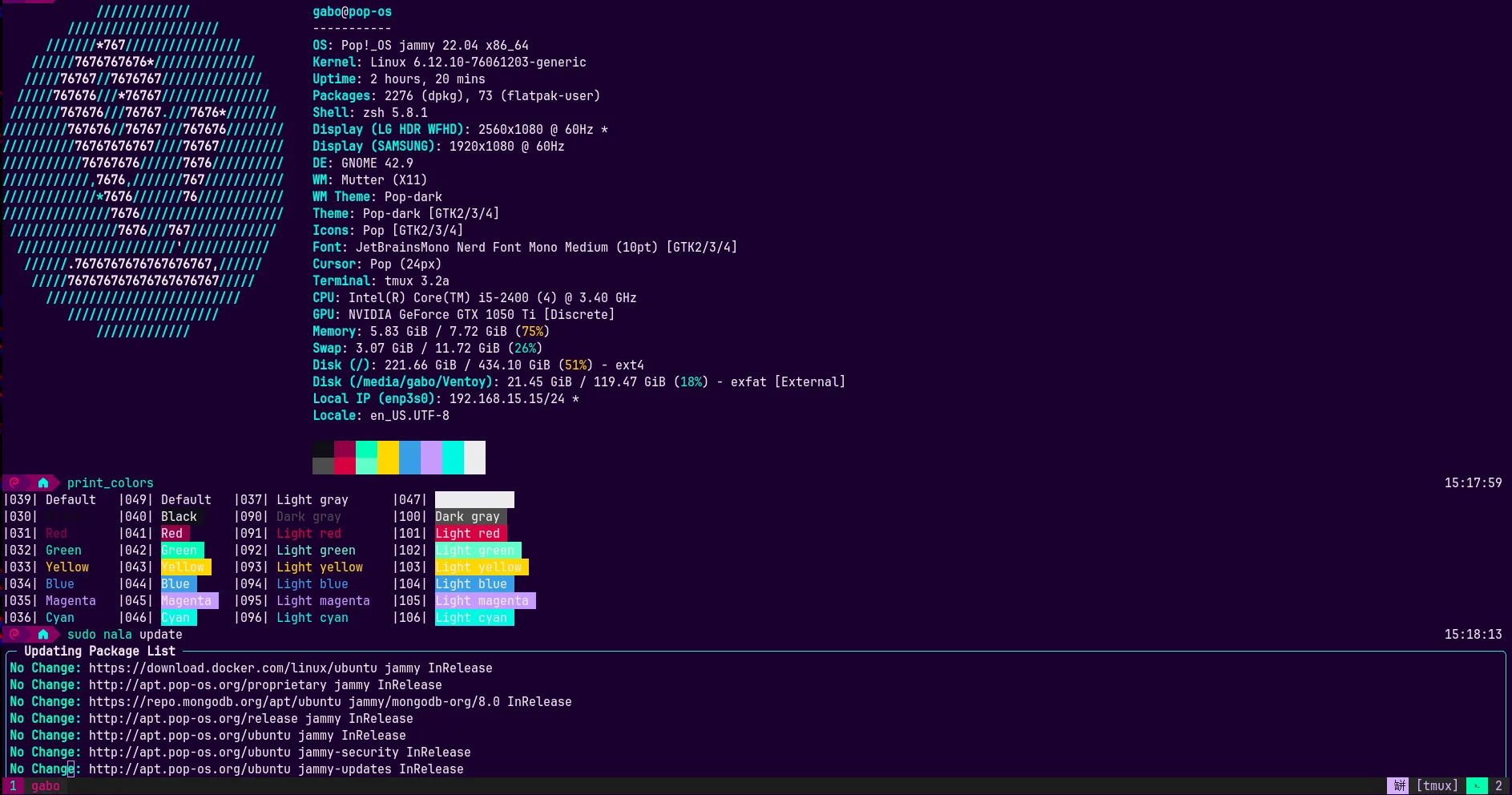
Installation
On your alacritty.toml config file, add/update the color parameters as below:
[colors.primary]
background = "#19002e"
foreground = "#edecee"

[colors.cursor]
cursor = "#c79bff"

[colors.selection]
text = "CellForeground"
background = "#240041"

[colors.normal]
black = "#110f18"
red = "#900048"
green = "#00ffb7"
yellow = "#ffd700"
blue = "#399ee6"
magenta = "#c79bff"
cyan = "#00f7e2"
white = "#edecee"

[colors.bright]
black = "#4d4d4d"
red = "#d70040"
green = "#61ffca"
yellow = "#ffd700"
blue = "#399ee6"
magenta = "#c79bff"
cyan = "#00f7e2"
white = "#edecee"
By default Alacritty live reloads its config file once updated. If that’s not your case, restart your alacritty instance for changes to take effect;